
PayPal Virtual Numbers for Receiving SMS Codes
Receive a PayPal verification SMS
PayPal may ask for a phone number when you create an account, confirm a sign-in, or restore access. SMS4YOU provides temporary virtual numbers that can receive the verification message without exposing your personal SIM number. Choose a country, use the displayed number in the relevant PayPal form, and view the incoming message on the SMS4YOU page.
A virtual number is intended for a temporary verification task. After the code has been used, the number may no longer remain available to you, so a permanent personal number is more suitable for long-term account recovery and ongoing access.
Countries and current availability
The catalogue can include numbers associated with countries such as the United Kingdom, the Philippines, France, Viet Nam, South Africa, Singapore, Hong Kong, and Austria. The selection shown to you depends on current stock and the country options displayed for PayPal when you place the order.
Current availability is shown directly in the catalogue: 204 countries are listed for this service, and 677,848,355 numbers are currently available.
Prices start at $0.0047. The live table below this introduction shows the applicable country, number, and price details before you buy.
How receiving the code works
- Choose a country. Review the available options and select the country you need for the PayPal verification form.
- Get a number. Purchase a temporary number from the catalogue and copy it in the format provided.
- Enter it in PayPal. Add the number to the phone field, then request the SMS code through the PayPal verification flow.
- Read the message. Return to your SMS4YOU account and open the order page. When the message arrives, copy the code and enter it in PayPal.
SMS delivery depends on the service and the selected number. The current delivery estimate is 60 seconds; an incoming message can take longer in some cases. Request the code only when the number is ready and follow the instructions shown in the PayPal form.
Check the live details before ordering
Stock, supported countries, prices, and delivery information can change as numbers are used. The figures displayed on this page were last updated on October 27, 2026. Use the live catalogue below to select an option that matches the country and verification prompt you see in PayPal.
- Countries available
- 204
- Price from
- $0.0047
- Typical price
- $0.23
- Up to
- $2.85
- Numbers in stock
- 677,848,355
- Average delivery time
- 1 min
- 75% under a minute
Data updated Oct 27, 2026
Where PayPal numbers come from
| Country | Numbers | Price from | Delivery |
|---|---|---|---|
| 1M+ | $0.0047 | — | |
| 31k+ | $0.0047 | — | |
| 1M+ | $0.0047 | — | |
| 1M+ | $0.0047 | — | |
| 456k+ | $0.0047 | — | |
| 683k+ | $0.0047 | — | |
| 1M+ | $0.0047 | — | |
| 1M+ | $0.0047 | — | |
| 54k+ | $0.0047 | — | |
| 461k+ | $0.0047 | — | |
| 873k+ | $0.0047 | — | |
| 1M+ | $0.0047 | — | |
| 295k+ | $0.0047 | — | |
| 648k+ | $0.0047 | — | |
| 601k+ | $0.0047 | 30 s | |
| 1M+ | $0.0047 | — | |
| 602k+ | $0.0047 | — | |
| 1M+ | $0.0047 | — | |
| 358k+ | $0.0047 | — | |
| 1M+ | $0.0066 | — | |
| 257k+ | $0.0066 | — | |
| 1M+ | $0.0094 | — | |
| 519k+ | $0.0094 | — | |
| 343k+ | $0.0094 | — | |
| 319k+ | $0.02 | — |


Showing the 25 cheapest of 204. The rest are in the picker below.
Popular countries


Receiving SMS for PayPal: Verification Without a Personal Phone Number
PayPal may require phone verification during registration, when logging in from a new device, or when removing restrictions. Receiving SMS for PayPal via a rented number on SMS4YOU helps you pass a one-time verification without revealing your personal contact information. This option is suitable for temporary verification but is not recommended for accounts with real funds and long-term access.
What is it
Receiving SMS for PayPal involves receiving a verification code on a cloud-based number that is rented for a few minutes. Once the code is received, the number is no longer needed and may become unavailable later.
How to get an SMS for PayPal
- Select a number. On SMS4YOU, top up your balance, open the catalog, select PayPal and your country. Click Get Number.
- Rent. Copy the contact number provided by the system.
- Entering into PayPal. In the verification form, enter the number in international format and request the code via SMS.
- Receiving the code. In your account, click Get SMS, copy the code, and paste it into PayPal.
- Additional security. After logging in, immediately set up two-factor authentication via the app, because access to the rented number will be lost later.
Advantages
- Privacy. Your personal number is not disclosed during a one-time verification.
- Speed. Renting takes 2–3 minutes.
- Cost savings. The one-time fee is lower than the cost of maintaining a SIM card.
- Geography. Numbers from different countries are available if the service requires a local phone number.
Limitations
- One-time use. After receiving an SMS, the number returns to the pool. It cannot be used to restore access later.
- Not for full identity verification. To remove limits, verify documents, or use PayPal long-term, you may need a real, permanent number.
- SMS delays are possible. Rarely, delivery can take up to 5 minutes. Do not request the code more than once.
- Risk of account suspension. If suspicious activity is detected, PayPal may request a repeat SMS verification from the same number. In such cases, the rented number will no longer be available.
- Not for accounts with real funds. For payments, cards, and business transactions, it is safer to use a permanent personal number.
FAQ
Can I link a bank card using this number?
Technically, the card can be linked, but if PayPal requests a phone number to confirm the transaction, access to that number will be required. For accounts with real funds, it is better to use a permanent personal number.
Is this legal?
Receiving an SMS on a rented number is not in itself a violation of the law, but the account must be used in accordance with PayPal’s rules and without fraudulent activity.
I didn’t receive the code. What should I do?
Check that you entered the number correctly and request the SMS again once. If there is no response, SMS4YOU support will refund the funds.
Can I reuse the same number for another account?
No. After successful verification, the number is considered taken. A new contact is required for a new account.
Conclusion
Receiving an SMS for PayPal via SMS4YOU is a quick way to complete a one-time verification and keep your personal number private. Choose a number, receive the code, and complete the verification. For financial transactions and a long-term account, use a permanent number that you will have access to.
Useful to know
How much does a number for PayPal cost?
Numbers for PayPal currently start at $0.0047. The price depends on the country you pick, and the table above lists every country with its own price.
Which countries have numbers for PayPal?
Right now 204 countries have numbers, including United Kingdom of Great Britain and Northern Ireland, South Africa and Indonesia.
What if there are no numbers for PayPal in the country I need?
Stock changes throughout the day as numbers are added and sold, so check back later or choose another country from the table above.
How do I get the SMS after buying a number?
Enter the number where the code was requested and keep this page open: the code appears in your active orders as soon as it arrives. If no code comes, cancel the order and the money returns to your balance.
Can I use a temporary SMS4YOU number for permanent PayPal account recovery?
A temporary number is intended for a verification task and may not remain available after the order. Keep a permanent recovery method for an account you plan to use long term.
Related reading
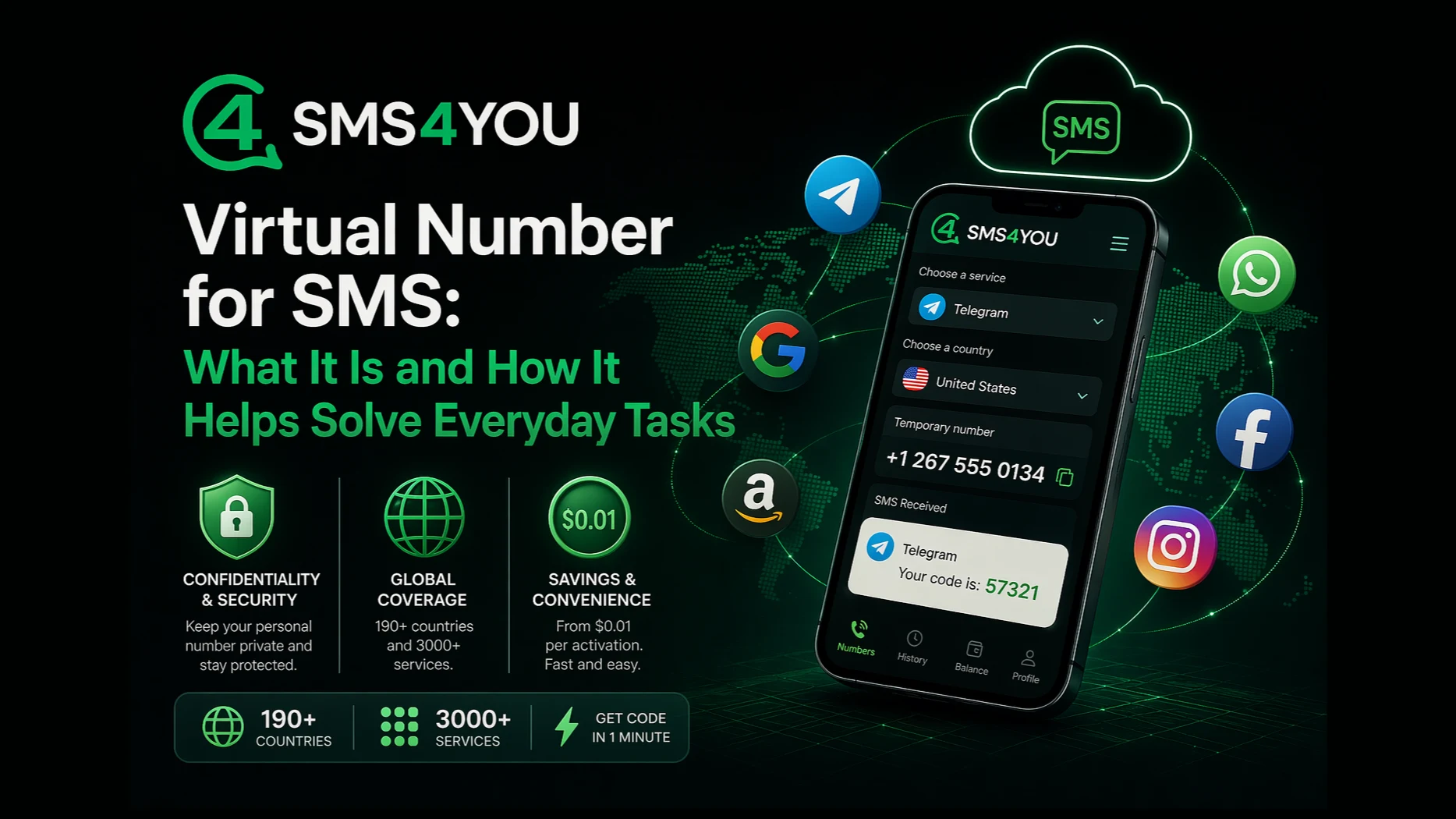
Virtual Number for SMS Online - What It Is and How It Works | SMS4YOU
Virtual number for receiving SMS online - safe registration in apps and social networks without a personal SIM card. Over 190 countries and 3000 services. Activation from $0.01, number rental from $3 per day.
Read more
Receiving SMS online: a universal solution for registration on services
Receiving SMS online via SMS4YOU is a fast way to receive a confirmation code without a personal phone. Rent a virtual number, receive SMS in your personal cabinet and register on the required service safely and conveniently.
Read more
How to Get a Verification Code Online: The Fastest Way to Activate
online verification code, get an SMS code, SIM-free verification, cloud-based number for registration, receive SMS online, activation code, SMS4YOU, number verification
Read more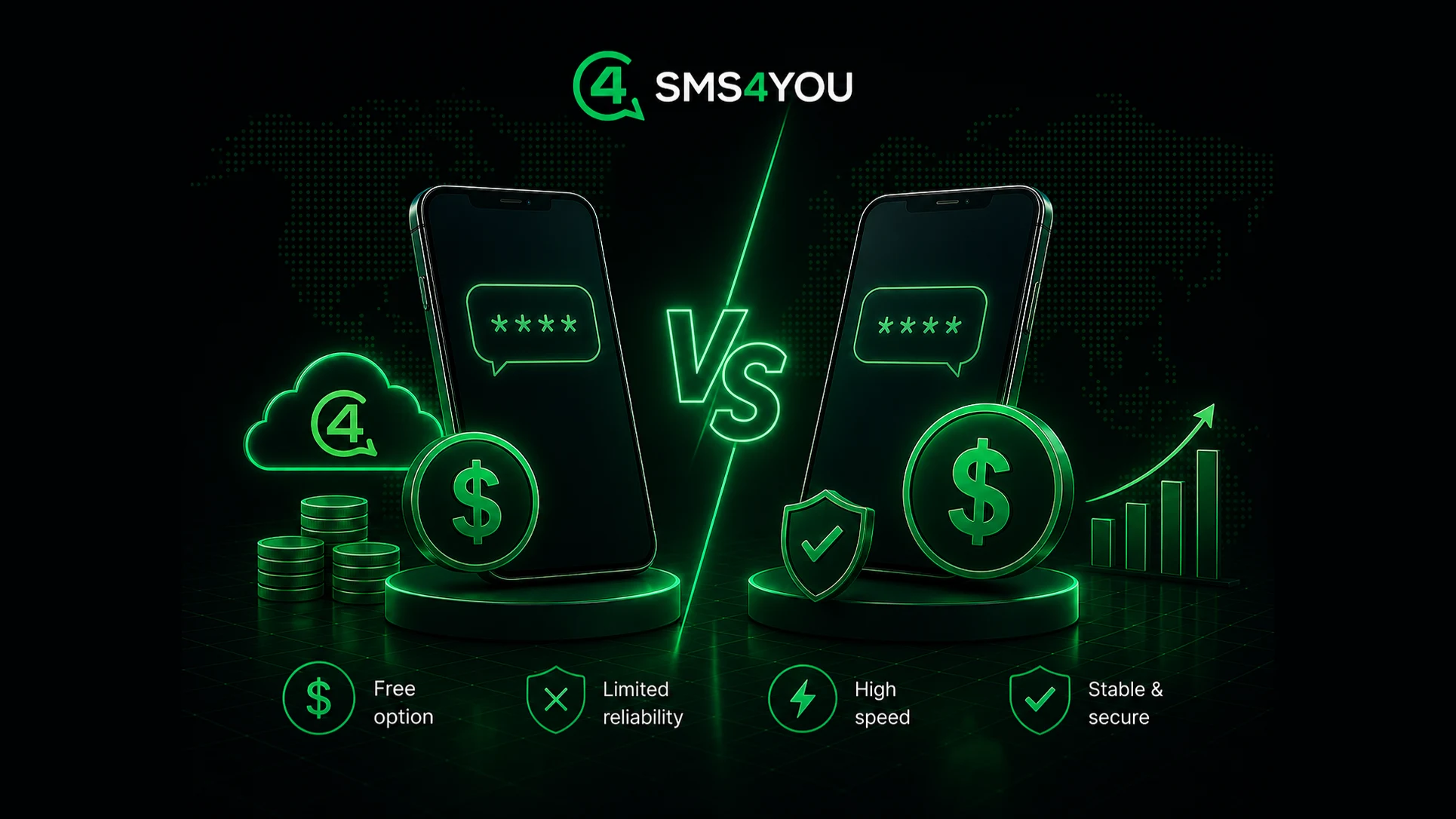
Free vs paid SMS services: what to choose for accepting confirmation codes
Comparison of free and paid SMS services for accepting confirmation codes. We analyze privacy, stability, blocking risks and explain when it is better to choose paid number rental via SMS4YOU.
Read more
Virtual Number for Telegram: A Complete Guide to Safe Registration
Learn how to register for Telegram safely without a personal phone number. A complete guide to using virtual numbers from SMS4YOU: step-by-step instructions, benefits, key limitations, and FAQ.
Read more


