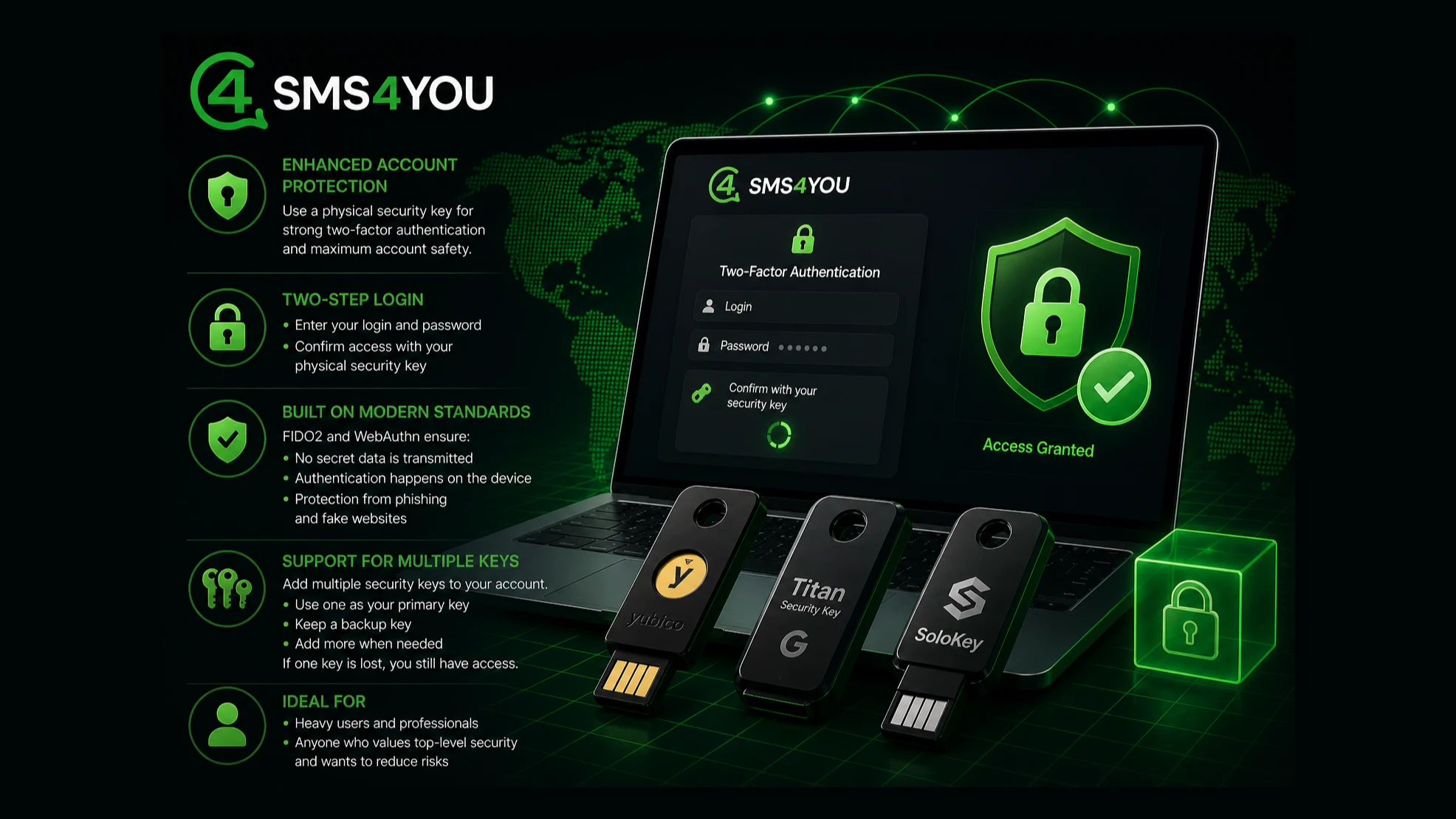
In SMS4YOU, you can enable additional account protection using a physical security key such as YubiKey, Google Titan Security Key, or SoloKey. This is a modern form of two-factor authentication that works together with your password and significantly increases your security level.
How it works
Authorization takes place in two steps:
you enter your login and password
you confirm the sign-in using a physical security key
Without the second step, access to the account is impossible, even if the password has been compromised.
Why it is secure
Hardware keys use the FIDO2 and WebAuth standards.
This means:
the key does not transmit secret data
verification happens inside the device
sign-in is impossible on a fake website
Unlike SMS codes and authenticator apps, this method does not depend on a mobile operator and is not vulnerable to phishing attacks.
Multiple key support
You can link multiple security keys to a single account.
This is convenient in real-world usage:
one key can be used on your main device
another can be kept as a backup
additional keys can be added if needed
If one key is lost, you will still retain access to your account.
Who it is for
users with a high number of operations
anyone who wants to reduce the risk of account compromise
How to enable
open security settings in your profile
choose to add a hardware security key
connect your device and confirm
Setup takes less than a minute.
A hardware security key is a simple way to make your account significantly more secure without complicating the login process.