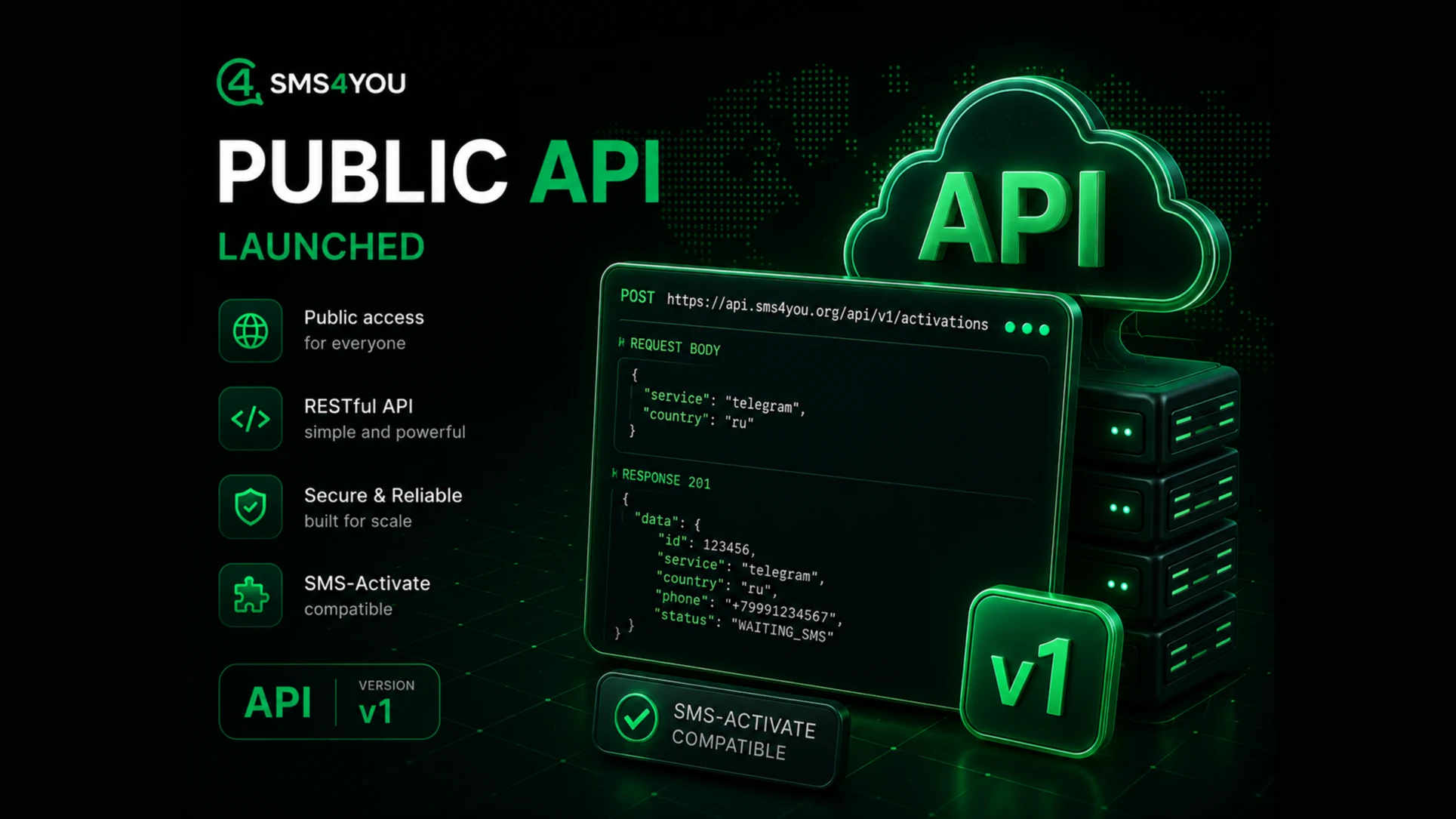
Introducing the SMS4You Public API: Automate SMS Reception and Number Management
We’re excited to announce the launch of something many of you have been waiting for—the SMS4You public API. Now, everything you used to do manually in your account can be done programmatically: purchase numbers, retrieve codes from SMS and email, and track your balance and rates. Your scripts, bots, and registration systems can work directly with SMS4You—without a single click.
Below, we’ll explain exactly what we’ve released, why you need it, and how to get started in five minutes.
Key Features at a Glance
A full-featured REST API for OTP activations (SMS reception) and email activations.
A catalog of countries, services, and current prices—everything visible in your account is also available via the API.
Webhooks: codes and status updates are automatically sent to your server without the need for constant polling.
Compatibility with the SMS-Activate protocol: port existing integrations by changing just one address.
Simple authentication via a token that you create yourself in your account.
Interactive documentation with the ability to test requests directly in your browser.
Why You Need an API
Manually purchasing numbers works well when there are only a few activations. But as soon as you’re dealing with tens or hundreds of registrations, bulk processing, or integrating SMS reception into your own product, clicking through the interface becomes cumbersome. The API solves exactly this problem: you define the logic once in the code, and everything else happens automatically, at any scale and at any time of day.
Typical scenarios for which we built this:
automatic account registration and verification in your software;
bulk processing and testing that require a large number of phone numbers in succession;
integrating SMS code reception directly into your service or product;
migrating existing integrations originally built for other providers.
What the API Can Do
1. Turnkey activation: from purchasing a number to receiving a code
The entire activation lifecycle is accessible via intuitive REST endpoints:
select a service and country, check availability and price;
purchase a number with a single request;
retrieve the received SMS (or email, if it’s email activation);
complete, cancel, or request a repeat SMS—you have full control over the status.
Both key products are supported: SMS reception (OTP) and email activation. Each activation has a unique identifier that you use to reference it later.
2. Current Catalog and Prices
The API provides real-time data:
a list of countries with phone codes;
a list of services (for SMS and email);
prices for a specific service or country, as well as a complete price list with page-by-page results.
Important note: Prices are returned with your personal discount applied. What you see in the API response is exactly what will be deducted from your balance.
3. Webhooks: Codes Come to You Automatically
Constantly polling the server while waiting for SMS messages is wasteful and slow. That’s why SMS4You offers webhooks: as soon as a new message arrives or the activation status changes, we automatically send an HTTP request to the addresses you specify.
You receive events instantly, without polling;
Each request is signed with an HMAC signature, so you can verify that the request is actually from us;
We implement retry mechanisms in case your server is temporarily unavailable;
For those who restrict incoming traffic via a whitelist, we publish a list of IP addresses from which webhooks are sent.
Together with the REST API, this completes the integration: you send the requests yourself and receive updates via a push channel.
4. Compatibility with SMS-Activate: Migration Without Rewriting
This is something we’re particularly proud of. If you already have software built around the SMS-Activate API, you don’t need to rewrite your integration. SMS4You supports a compatible protocol: simply change the server address to ours and substitute your own key.
Your existing code, libraries, and bots will continue to work as is, but now with SMS4You’s phone numbers, pricing, and quality. This makes switching to us a matter of a single line in your config file, rather than weeks of development.
5. Secure and Simple Authentication
No usernames or passwords in your scripts. Log in to your account, create a personal token in the API Tokens tab, and use it in your requests. You can pass the token in three ways—choose whichever is most convenient for your library:
in the header
Authorization: Bearer <api token>;header
X-Api-Token: <api token>;as a query parameter
?api_token=<api token>.
You can create multiple tokens (for example, a separate one for each project) and revoke a compromised token at any time without affecting the others. The token value is displayed only once when it’s created—after that, it’s stored only by you.
6. Hands-on documentation
We’ve prepared interactive documentation based on OpenAPI: every endpoint is described, each field’s type is specified, and you can execute requests directly from the page without opening a terminal. There’s also a separate section on webhooks and the protocol compatible with SMS-Activate.
The documentation is available at docs.sms4you.org.
Get started in five minutes
Base API URL: https://api.sms4you.org/api/v1
Step 1. Check your account balance and discount
curl https://api.sms4you.org/api/v1/me \
  -H "Authorization: Bearer YOU TOKEN"
{
  "data": {
    "name": "Ivan",
    "email": "[email protected]",
    "email_verified": true,
    "balance": "12.3456",
    "currency": "USD",
    "discount_percent": 5
  }
}
Step 2. Check the price of the desired service
curl "https://api.sms4you.org/api/v1/prices?service_id=SERVICE_ID" \
  -H "Authorization: Bearer YOU TOKEN"
Step 3. Purchase a number
curl -X POST https://api.sms4you.org/api/v1/activations \
  -H "Authorization: Bearer YOU TOKEN" \
  -H "Content-Type: application/json" \
  -d '{"service_id": 123, "country_id": 7, "price": "0.20"}'
The response will include the phone number and an activation code.
Step 4. Retrieve the SMS you received
curl https://api.sms4you.org/api/v1/activations/{ACTIVATION_ID}/messages \
  -H "Authorization: Bearer YOU TOKEN"
And if you set up a webhook, you won’t even need to do this step—the code will be sent to you automatically.
Limits and Reliability
Requests are limited in frequency (up to 120 requests per minute by default) to ensure the service remains stable for everyone.
All responses come in a uniform format, including error messages: a clear code, a human-readable message, and, if necessary, details. Processing them in code is a breeze.
A verified email address is required for purchases—a standard security measure.
Who is this for
Developers who need to receive SMS messages within their product.
Arbitrage and marketing teams where registrations come in a steady stream.
QA teams testing scenarios involving phone verification.
Anyone who already uses SMS-Activate-compatible software and wants a provider without the hassle of migration.
What’s Next
The public API is the foundation on which we’ll continue to build. We plan to expand our product coverage and capabilities by listening to your requests. If you’re missing a specific endpoint or scenario, reach out to us via support chat: we read everything and prioritize what’s truly needed.
Try it right now:
Log in to your account and create a token in the API Tokens tab.
Open the documentation at docs.sms4you.org.
Make your first request—and automate the rest.
Enjoy the integration, and may your codes arrive on time.